Manage locations of your gift card program
Your gift card program will have one or more locations associated with it. A location represents a physical or online presence of your business where gift cards can be sold and redeemed. Each gift card transaction performed in your program will have a location associated with it.
A location's name, address and website details can be edited on the dashboard. Click on the actions icon on the right of a location's row in the table to see the edit options. A location's details are used in the footer of gift card emails sent to your customers. The online checkout page also shows all your business' locations.
The visibility of a location can be toggled which will determine if that location's details are shown in the gift card emails or on the online checkout page.
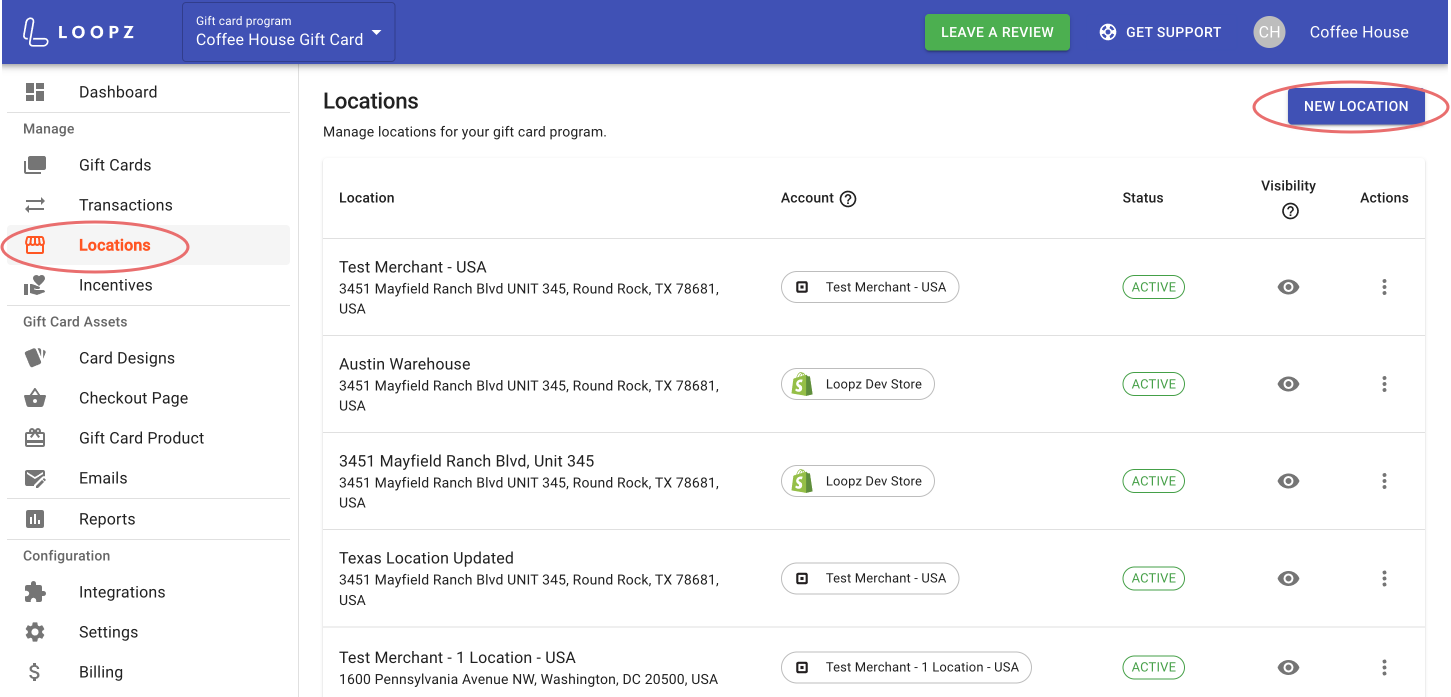
Create a new location
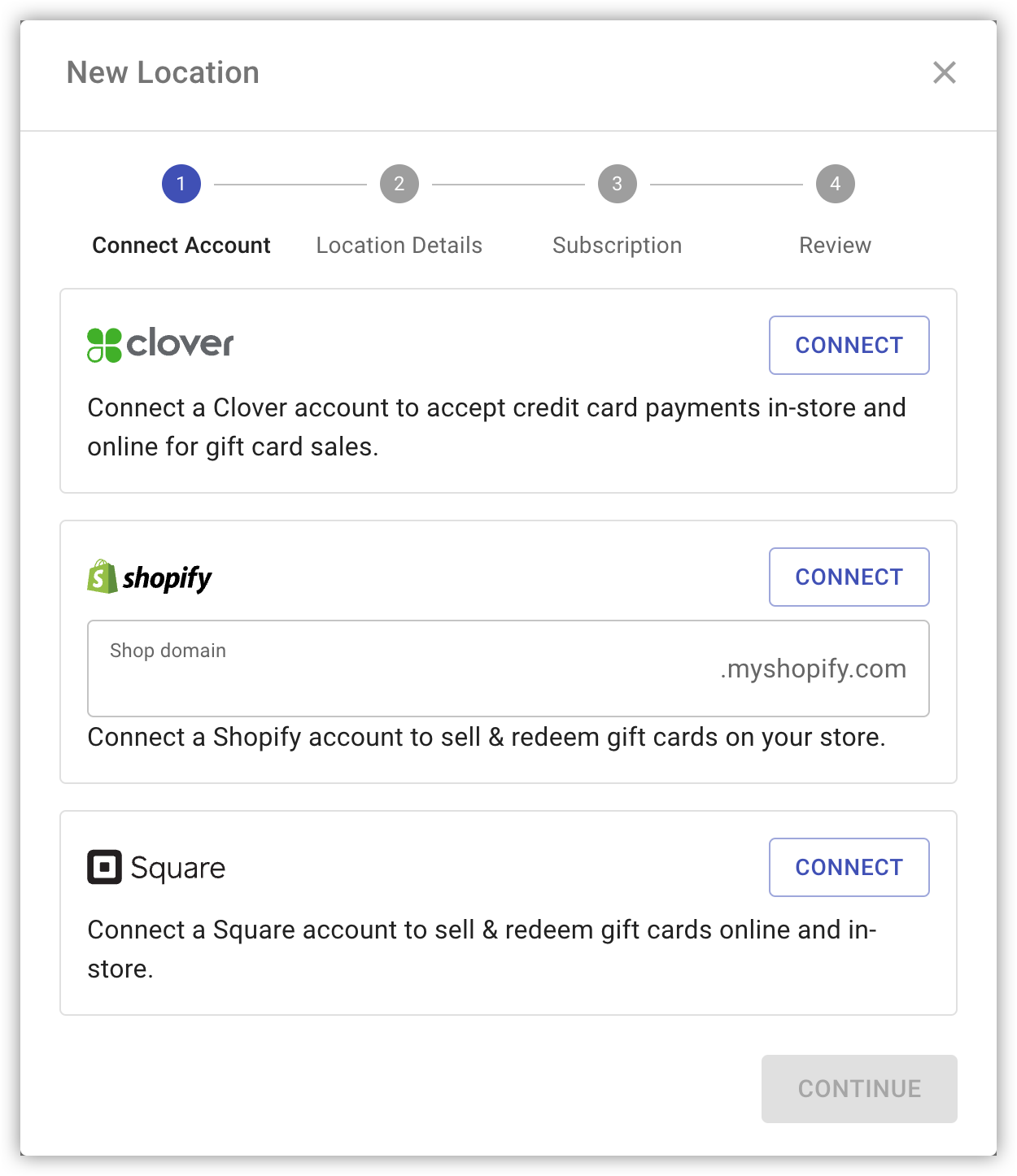
You can add additional locations to your gift card program by clicking on New Location and connecting your new merchant account. We support the following merchant platforms:
Ready to sell more gift cards?
One gift card program across your point of sale and online store, always in sync.