Setup Loopz Gift Cards on your Shopify POS
Using Loopz Gift Cards on your Shopify POS requires connecting our app to your Shopify account in the Shopify App Store. Once you've connected our app and have completed the setup of your gift card program, you'll be able to add our apps to your Shopify POS grid.
Our Shopify POS apps require you to be on the Standard or Advanced subscription plan. You can change your subscription plan level on the dashboard of your gift card program at dashboard.loopz.io/billing
-
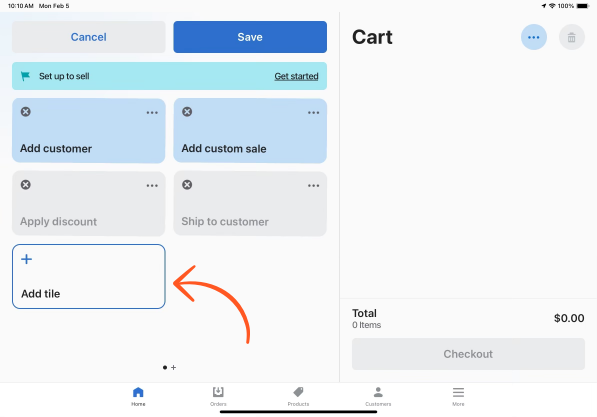
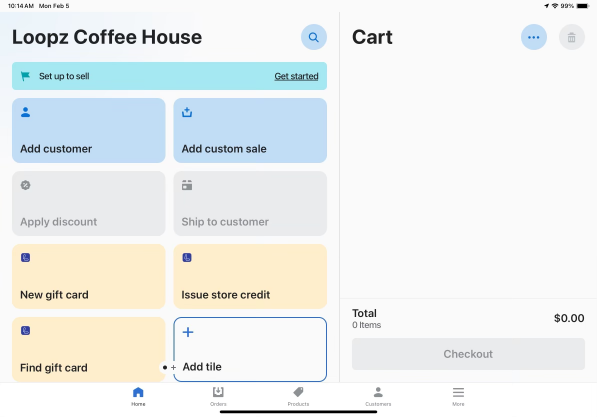
Tap the Add Tile button on your Shopify POS app
-
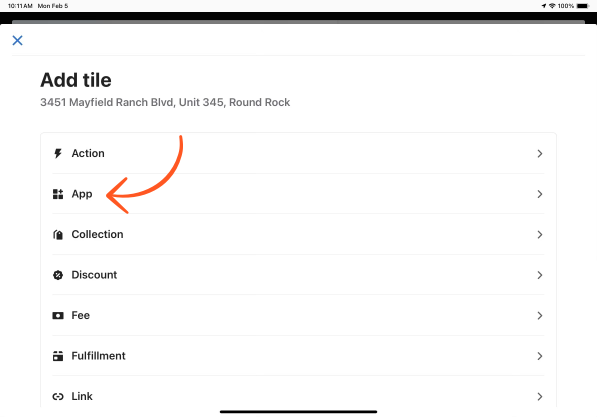
Tap the App list item to view POS apps
-
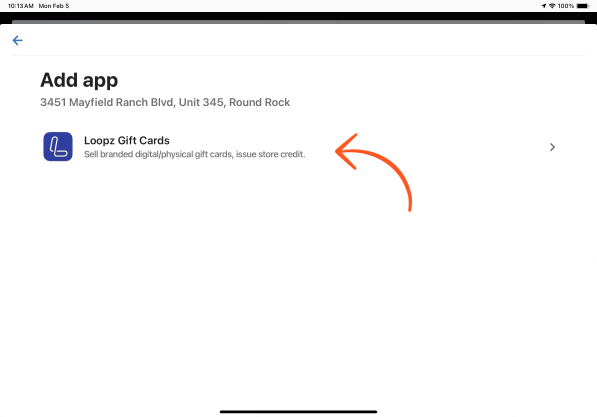
Select Loopz Gift Cards app to view all available POS apps we offer.
-
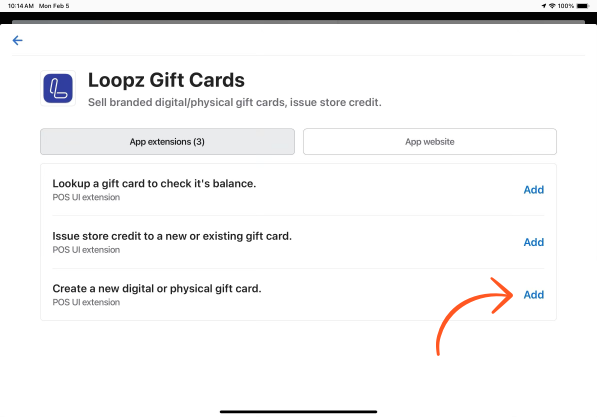
Add our apps to your Shopify POS tile grid
-
Save the changes you made to the Tile grid for easy access to our gift card apps.
Ready to sell more gift cards?
One gift card program across your point of sale and online store, always in sync.