Set up gift card expiration dates
The gift cards and store credit you issue never expire, unless you choose otherwise. With the Gift Card Expiration setting you give them a period after which they do, for example 5 years for gift cards and 12 months for store credit. When a card expires, what is left on it is forfeited and the card is closed.
Before you start
- You need Settings write access to change the setting, and Gift Cards write access to change the expiration date of a single gift card.
- Many places regulate when gift cards can expire. The dashboard shows the rule we have on file for where you do business. It's guidance for the common case, not legal advice, so check your local law before you make gift cards expire.
- The setting applies to cards issued after you save it. Cards issued earlier keep their expiration.
- Bonus gift cards aren't covered by this setting. The incentive that issues them sets when they expire, see create an incentive for your gift card program.
Where to find it
In the dashboard, open Settings → Gift Card Expiration.
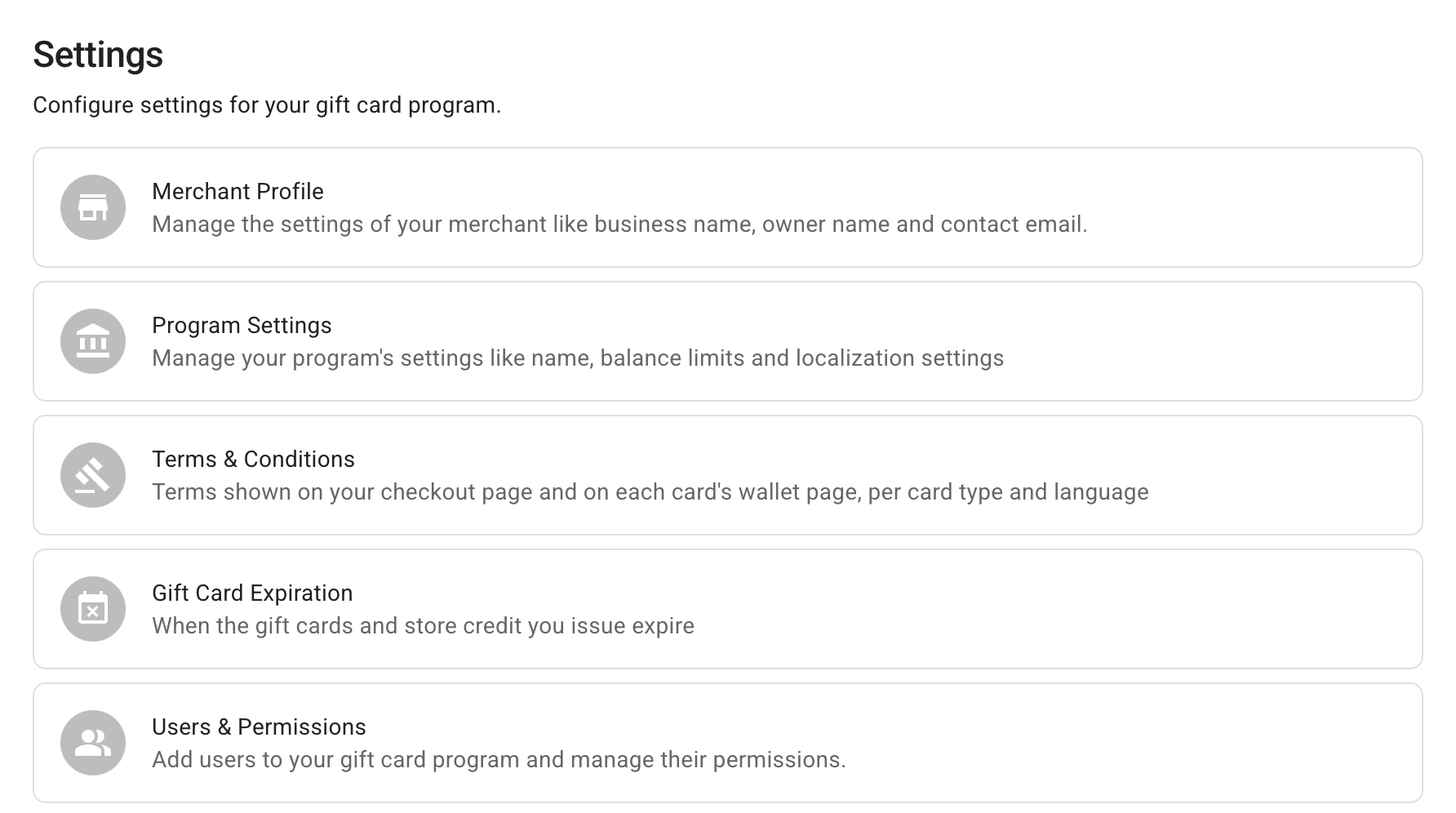
The screen has a section for each kind of card, and each kind has its own expiration:
- Purchased gift cards: gift cards bought with real funds, on your checkout page, in store or through your integrations.
- Store credit: cards loaded with store credit, such as refunds given as store credit and credit you issue.
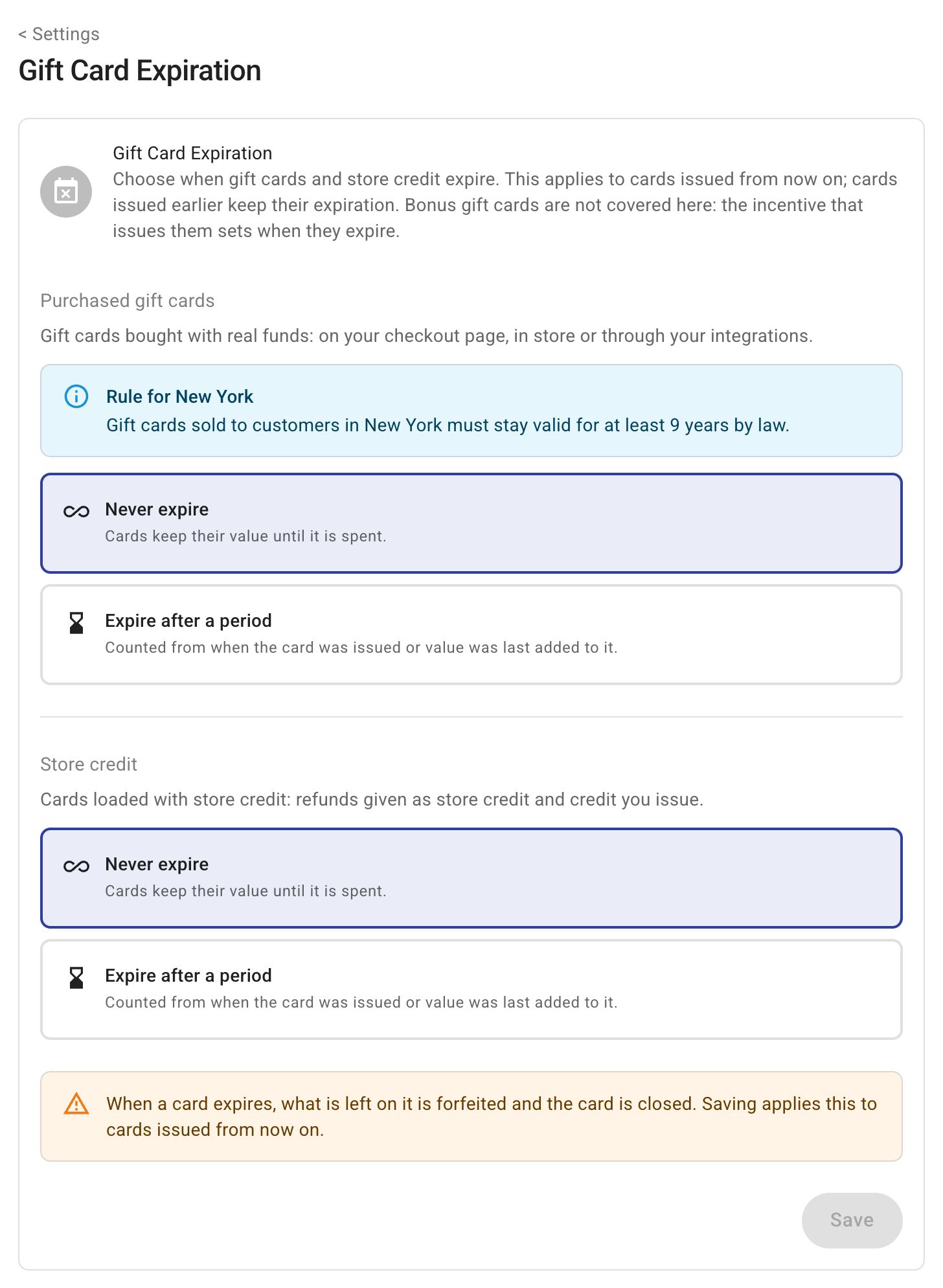
1. Choose when purchased gift cards expire
Above the options, the dashboard shows the rule for where you do business, for example "Rule for New York". It's the rule for your business address or, when you have none, for your first location. What you can choose depends on it:
- Gift cards can't expire: where the law doesn't allow an expiration date, such as California, Florida and most Canadian provinces, Expire after a period is disabled.
- Gift cards must stay valid for a minimum period: for example 5 years in most of the United States, 9 years in New York and 3 years in Australia. A shorter period isn't accepted: the dashboard tells you the minimum, for example "The period must be at least 9 years."
- No rule on file: where we have no rule for your country, any period is accepted. Check your local law before you set one.
Then choose one of the options:
- Never expire: cards keep their value until it is spent.
- Expire after a period: cards expire once the period has passed. Enter the Length and choose the Unit: Days, Months or Years. The length is a whole number, and the period can be at most 100 years.
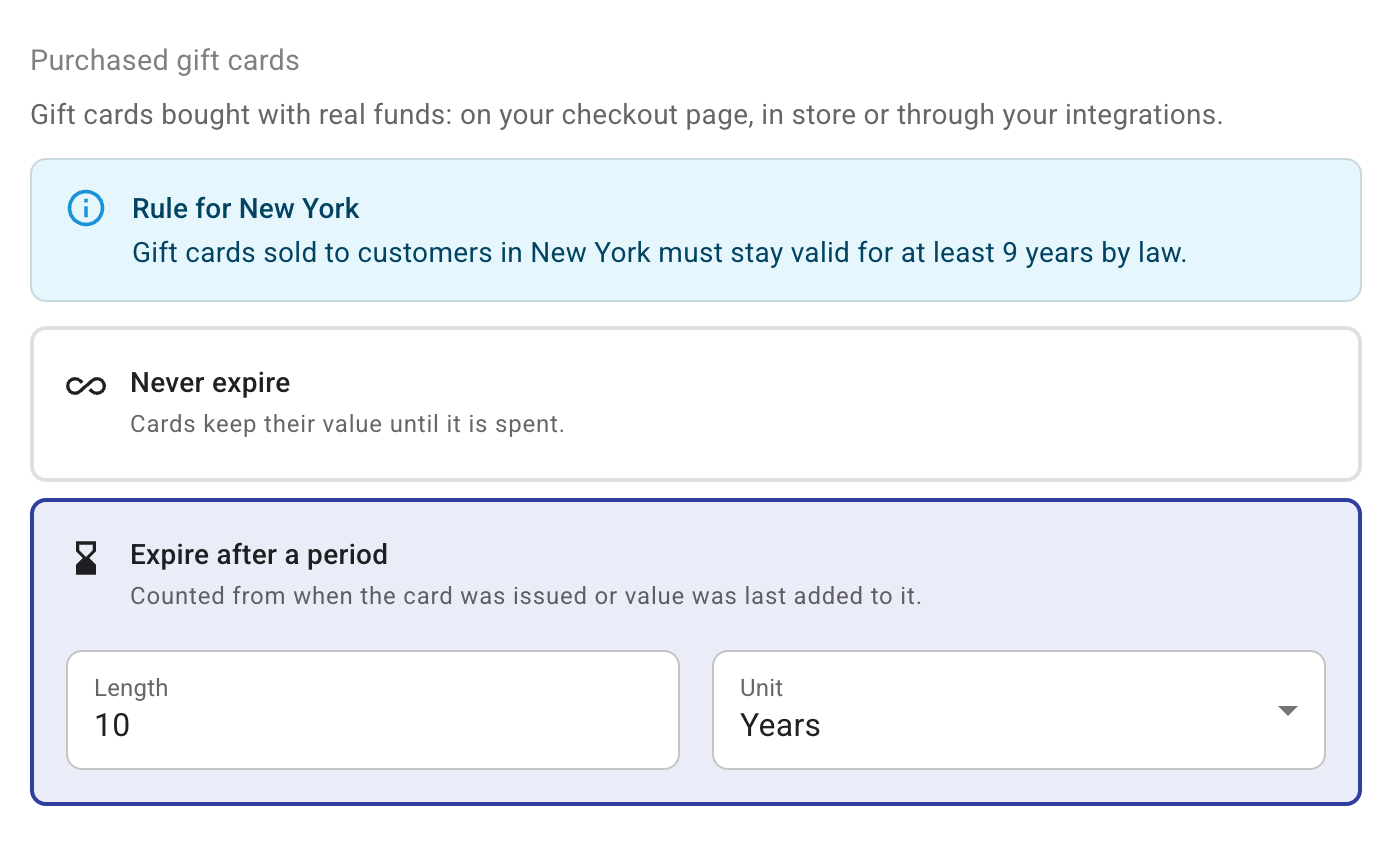
2. Choose when store credit expires
Under Store credit, choose Never expire or Expire after a period the same way. The rule for purchased gift cards doesn't apply to store credit, so you can give it a shorter period, for example 12 months.
3. Save the setting
Click Save. The dashboard confirms with "Expiration settings saved." From then on, the cards you issue get an expiration date.
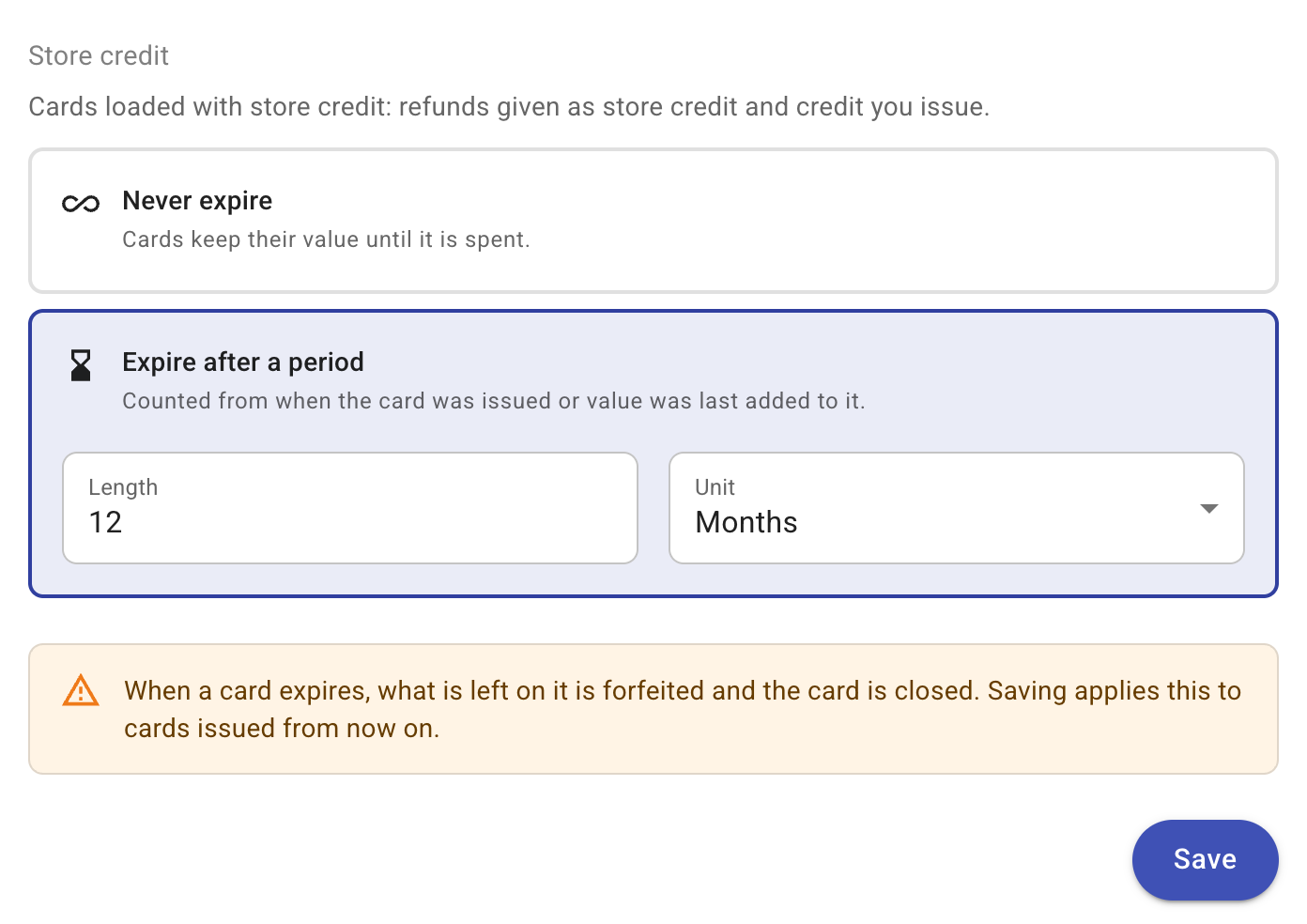
When a card expires, what is left on it is forfeited and the card is closed. Tell your customers when their cards expire, for example in your Terms & Conditions, which you also find under Settings.
How a card gets its expiration date
The period is counted from when the card was issued or value was last added to it:
- A new card: it expires once the period has passed since it was issued, at the end of that day in your business's time zone. With a period of 12 months, store credit issued on March 10 can be redeemed through March 10 of the next year.
- Adding value: the expiration date moves later, never earlier. The period is counted again from the day the value was added.
- Value that never expires: it removes the date. When a customer pays to reload a card that expires and purchased gift cards never expire, the card no longer expires.
- Cards issued before you saved the setting: they keep their expiration. A card that holds value and doesn't expire never gets an expiration date from the setting, also when it's reloaded.
- Imported gift cards: they aren't given an expiration date.
What happens when a card expires
A card can be redeemed through the end of the day it expires. After that:
- Redeeming it is refused with the message "This gift card has expired."
- Within minutes, what is left on the card is forfeited and the card is closed. The card's transactions show the forfeited amount with the note "Gift card expired".
Where customers see the expiration date
- The card's page in the customer's wallet shows "Expires on" with the date.
- Apple Wallet and Google Wallet passes show the date.
- The Gift Cards app on your Clover devices shows the date.
- Your emails can include it with the
{{expiry_date}}variable, see customize emails sent by your gift card program.
If your gift card program is connected to Shopify, the gift card in your Shopify store gets the same expiration date, and Shopify refuses it once that day is over. Square gift cards have no expiration date. They stop working when the card is closed, within minutes of expiring.
Change the expiration date of a single gift card
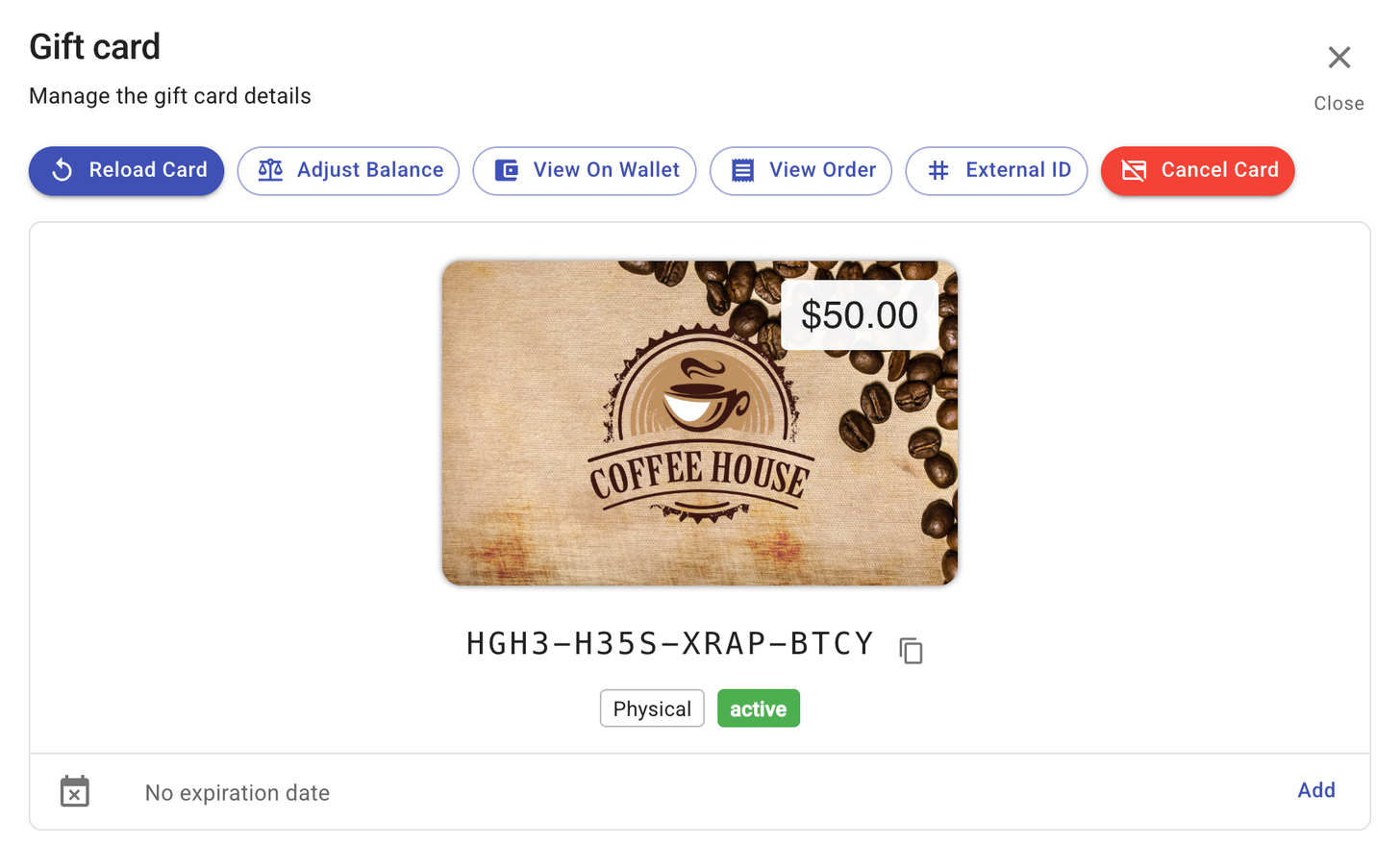
You can give one gift card its own expiration date, or move the one it has. On the Gift Cards screen, click the gift card to open it. Under the card's number you see "Expires on" with the date and an Edit button, or "No expiration date" with an Add button.
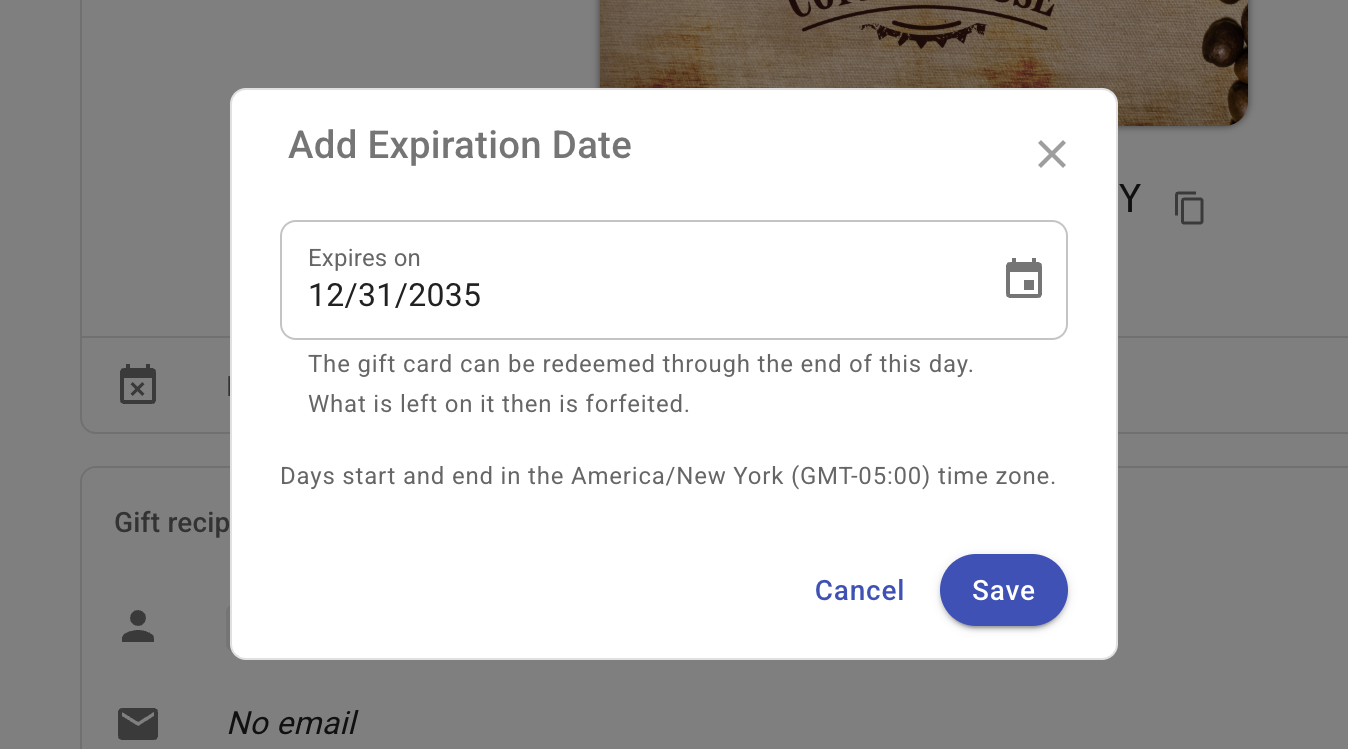
Click Add or Edit, choose the day in Expires on and click Save. The gift card can be redeemed through the end of that day, in the time zone the dialog shows.
- Moving the date later: always possible.
- Adding a date or moving it earlier: the date is checked against the rule for where you do business. When it's sooner than the rule allows, the dialog shows a warning. Pick another day, or click Set Anyway to keep it. A note on the gift card then records the date, the warning and who allowed it.
- A date that has passed: it can't be changed, and neither can the dates of a closed gift card.
An expiration date can't be removed from a gift card. Move it later instead.
FAQ
- Do the gift cards I already issued expire when I turn this on? No. The setting applies to cards issued after you save it. To make an earlier card expire, give it an expiration date of its own on the Gift Cards screen.
- Does reloading a gift card extend its expiration date? Yes. The period is counted again from the day of the reload, and the date only moves later.
- Does changing the period change the cards that already have an expiration date? No. They keep their date. Adding value to them can still move it later.
- Do bonus gift cards from incentives follow this setting? No. The incentive sets when its bonus gift cards can be redeemed and when they expire.
- Which time zone decides when a day ends? Your business's time zone. A card can be redeemed through the end of the day it expires.
- Can I set expiration dates through the API? Yes. Gift cards have an
expiry_datein the Loopz API, see docs.loopz.io.
Ready to sell more gift cards?
One gift card program across your point of sale and online store, always in sync.