Create custom artwork for a card design in Canva
Canva is a graphic design platform you can use to create a card design image. It's easy and free! We use it ourselves to create card design images.
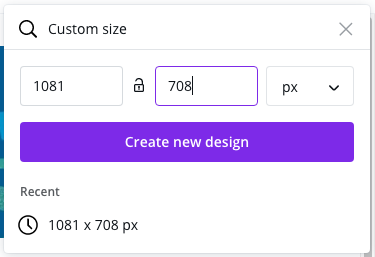
For optimal results, we require an image of 1081 pixels by 708 pixels. This guide will show you how to create a card design image of the correct size in Canva.
1) Signup for Canva or Login
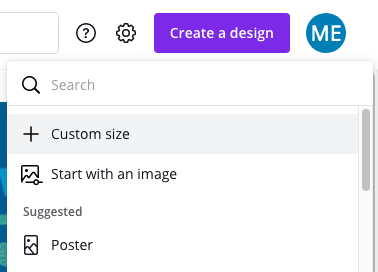
2) Create a new design of 1081px by 708px
You can use this template design as a starting point for creating your design in Canva.
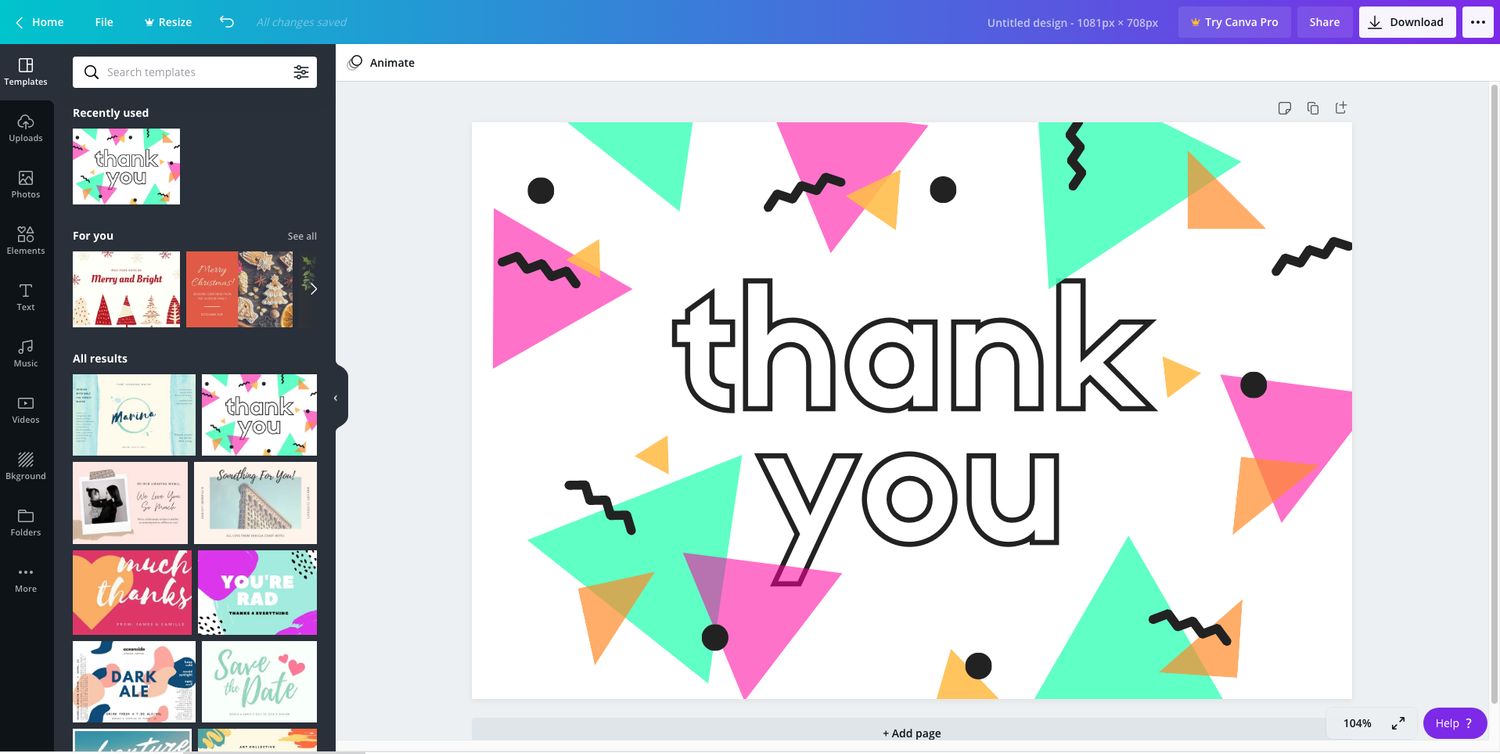
3) Use Canva's editor to create your card design
4) Download the design
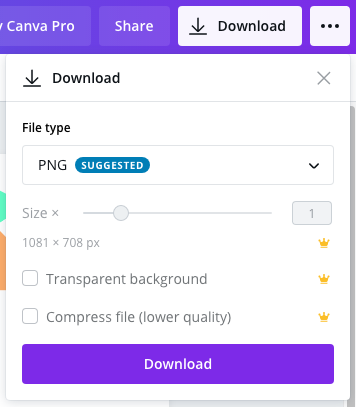
Don't change the size of the design when downloading. We recommend leaving the file type to PNG as well.
5) Create a New Card Design in the Loopz Dashboard
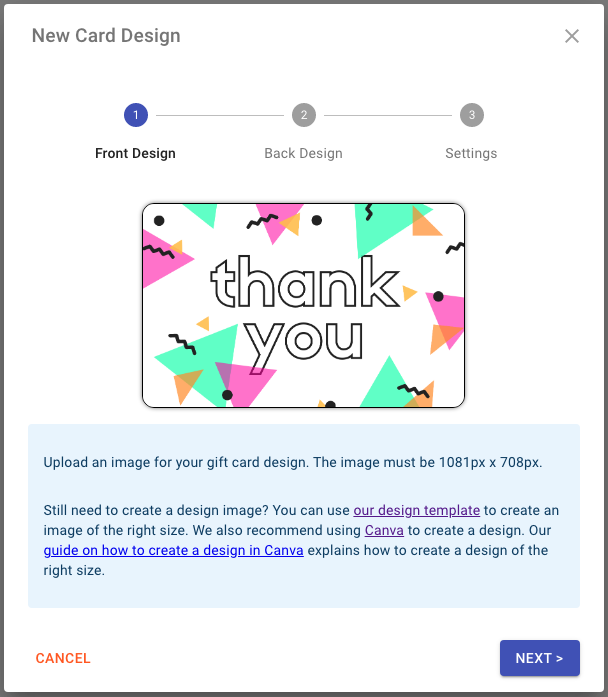
Upload the downloaded image from Canva in the New Card Design dialog in the Loopz Dashboard. See our guide on creating a new card design in the dashboard.
Ready to sell more gift cards?
One gift card program across your point of sale and online store, always in sync.